
View Bookmarks
Objectives:
View bookmarks in a stream and all bookmarks added by an individual.
Steps:
- Click the Course tab to return to the Scholar Course Page. This page contains all the streams added by the instructor.

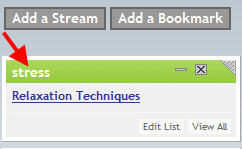
In the screen above, the "Relaxation Techniques" tagged bookmark appears in the "stress" stream.
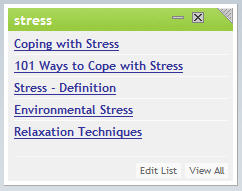
In the screen above, multiple tagged bookmarks appear in the "stress" stream.
- Click on a Bookmark Name to view the Web page to which it links.
Note: If the number of bookmarks in a stream exceeds the number that appear on the default display, click View All.
To view all bookmarks added by an individual:
- Click View All on the stream.
- Click the user name of an individual.
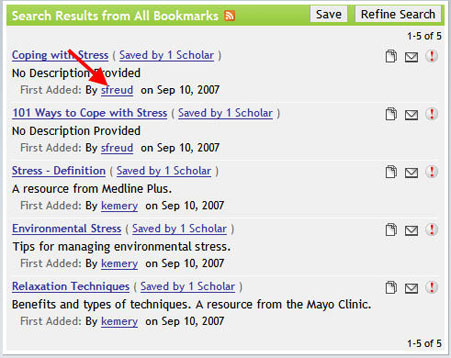
In the screen above, all the public bookmarks added by "sfreud" will display.
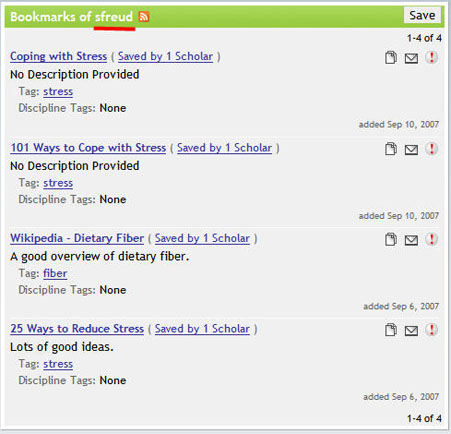
In the screen above, all public bookmarks added by "sfreud" are displayed.
- Click on a Bookmark Name to view the Web page to which it links.