Set Up a Scholar Account
Objective:
Set up a Scholar account.
Steps:
- Click the Scholar tab from within your Blackboard account.

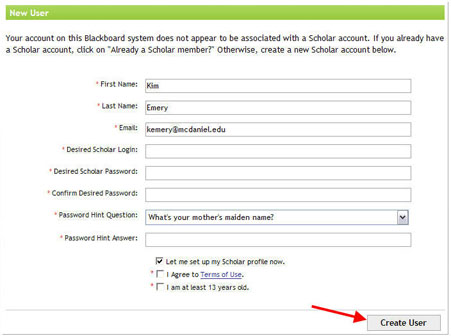
- Complete the fields on the New User screen; click Create User.
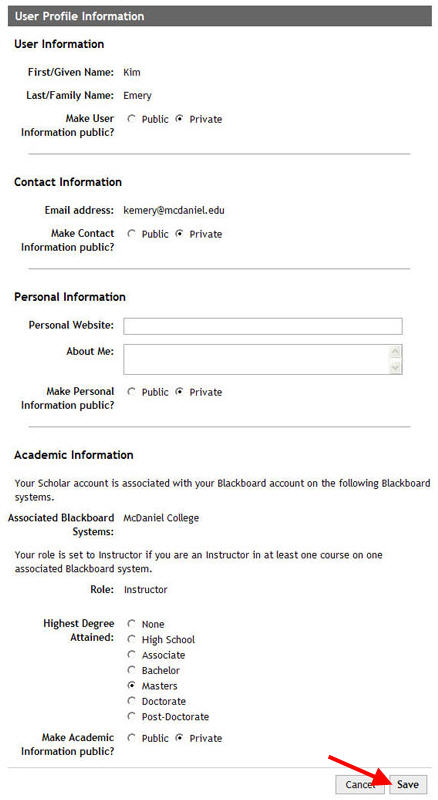
- Complete the fields in the User Profile Information screen; click Save.