Add a Scholar Course Page
Objective:
Add a Scholar Course Page to a course in Blackboard.
Steps:
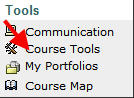
- Within your Blackboard course, click Course Tools on the left navigation bar.
- Click Scholar Course Home.

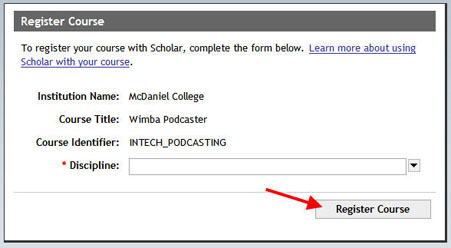
- Confirm your course information on the Register Course Screen and select a Discipline from the drop-down menu; click Register Course.