
Edit a Post
Objective:
Edit a post on your blog.
Steps:
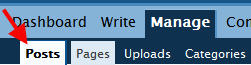
- Click My Dashboard; click Manage and then click Posts.

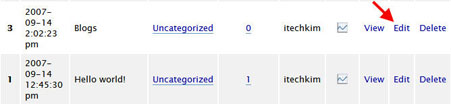
Click Edit on the post to be edited.
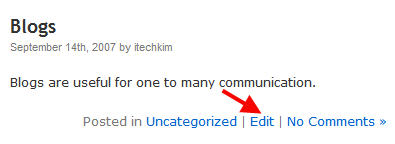
OR, as a shortcut, in View mode, click Edit on the post to be edited.
- Click the Advanced Toolbar icon to reveal additional tools available in the WYSIWYG editor; make changes to the post.
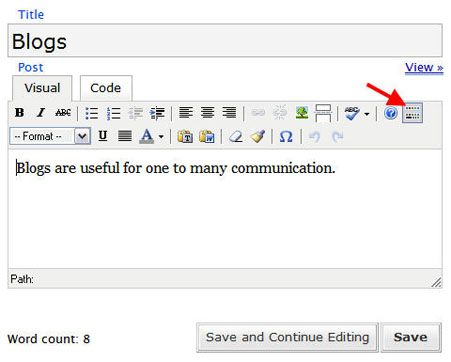
- Click Save when done.