
Add a New Page
Objective:
Add a new page to your blog.
Steps:
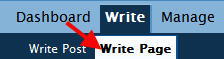
- Click My Dashboard; click Write and then click Write Page.

- Type a title for the new page in the Page Title field.
- Click the Advanced Toolbar icon to reveal additional tools available in the WYSIWYG editor; add content to the Page Content field.
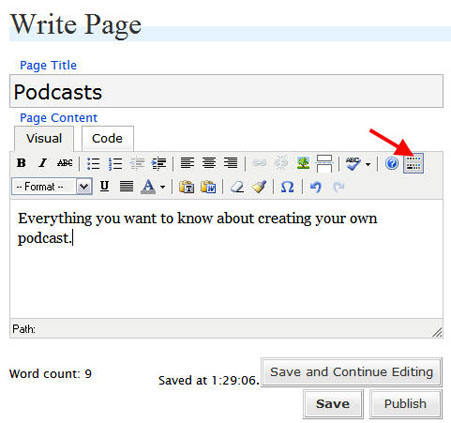
- Click Save to save the page as a draft (to edit and publish later) OR click Publish to save and publish the page immediately.