
Share Your Portfolio
Objective:
Share your portfolio with other McDaniel Blackboard users.
Steps:
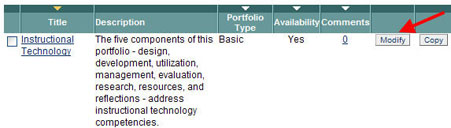
- Click the Modify icon that corresponds to the portfolio you wish to share.
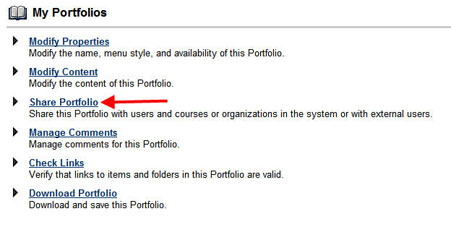
- Click Share Portfolio.
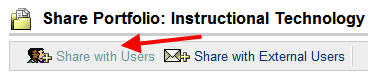
- Click Share with Users.
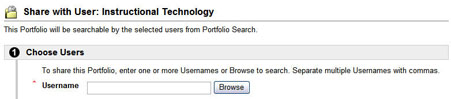
- Browse and select users.
- Click Submit.
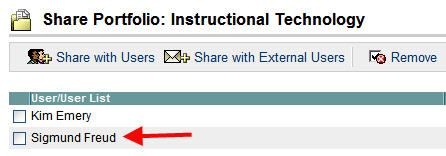
In the screen above, the portfolio is shared with user Sigmund Freud.